From alert to Ready
See the complete setup path and what never turns on automatically.
SETUP RESOURCES & WALKTHROUGHS
Check compatibility, follow the setup walkthroughs and understand the controls before enabling automation.
A GUIDED START
Your alerts, a compatible MT5 account, and a plan you can validate.
Use your own webhook-capable TradingView alerts. Your TradingView plan and indicator must support the messages you need.
Use a supported broker server or an MT5 prop account whose rules permit automation. Confirm compatibility and permissions first.
Choose position sizing, stops, targets, trading hours, and daily controls. Confirm the symbol and account type.
Verify alert delivery and the broker response. Review results before choosing whether to enable live execution.
SET UP SIGNALPORT
See the complete setup path and what never turns on automatically.
Use the exact server, numeric login, and main trading password.
Confirm the chart and broker symbol before verifying delivery.
Set protections, answer missing decisions, review, and save.
Understand Awaiting, Ready, and both automation switches.
UNDERSTAND AN ALERT
Find the most important next action and keep every metric in context.
Follow the decision from receipt through the broker response.
FIX A CONNECTION
Repair only the broker connection while your saved work stays in place.
TEST PLAN CHANGES
Compare virtual alternatives without changing the plan you use.
TRUST CENTER · AT A GLANCE
A clear view of access, execution and responsibility.
SignalPort is not a custodian and does not provide withdrawals. Trading access can still create losses.
MT5 credentials are encrypted in transit and sent to the connectivity provider for verification. SignalPort keeps an encrypted recovery copy only when you explicitly choose that option.
Alert received → rules checked → instruction submitted → broker response recorded. Receiving an alert is not proof of a fill.
You choose the account, plan and risk settings. Monitor activity and pause new entries when behavior differs from your intent.
Stops, targets and daily limits are instructions and triggers. Gaps, slippage, rejections and interruptions can change the outcome.
Demo and historical results are not forecasts. SignalPort supplies execution software, not profitable signals or investment advice.
Ten answers about fit, setup, cost, and control. Already a customer? Open the customer Help center →
SignalPort connects compatible TradingView alerts to your MT5 account and applies the trading rules you choose. It runs in the cloud, so you do not need to keep your computer or your own VPS running.
Bring a compatible TradingView alert system and choose its trading rules. SignalPort automates execution; it does not supply guaranteed profitable signals. Demo testing helps you evaluate your setup before committing live capital.
Follow one guided setup: connect MT5, connect your TradingView alert, review your rules, and finish setup. Choose demo or live when connecting. Trading-Lab AI is an optional add-on after setup.
Enter MT5 credentials only in the secure connection form. An encrypted copy is used during provisioning. Keeping an encrypted recovery copy afterward is optional; without it, a full connection rebuild requires you to enter credentials again.
You need an eligible MT5 demo or live account and a TradingView plan that supports webhooks. Compatibility depends on the exact broker server, account permissions, and instruments. Ask support about your server before purchasing if you are unsure.
Your capital stays with your broker. SignalPort does not provide withdrawals. Trading access can open, modify, and close positions and can create losses; automation does not remove trading risk.
Trading-Lab AI is an optional paid add-on that compares your plan with five virtual alternatives side by side. It reduces the work of testing configurations one at a time. Results are modeled research, not broker fills or a guarantee of future profit. You decide whether to change your active plan.
Check Pricing and checkout for the amount due today, renewal price, and terms. Trading-Lab AI and extra account capacity are optional paid add-ons. TradingView, indicator subscriptions, and broker charges are separate.
Manage your subscription in Billing and review the cancellation date. Cancellation is separate from pausing trading or closing positions. Plan for any open positions before service access ends.
Setup guides, searchable customer Help, and support are available. You can start with a demo account, use optional Trading-Lab AI to compare virtual plans, and book one-on-one coaching if you want more guidance.
Last updated October 26, 2026. SignalPort AI is trading-plan research and customer-authorized automation software operated by Capital Catalyst Consulting LLC. It is a technology platform, not a broker, investment adviser, fiduciary, signal adviser, or discretionary account manager. SignalPort does not recommend that you enter any trade and makes no promise, projection, or guarantee of profit, loss avoidance, performance, or suitability.
You select or accept the signal, account, trading plan, entry conditions, sizing rules, risk limits, schedule, and execution state. When you enable execution, SignalPort can automatically evaluate incoming signals and submit, modify, or close eligible trading instructions without asking you to approve each order. No SignalPort employee chooses individual trades or exercises discretion over your account. Pausing stops new SignalPort entries; it does not automatically close positions already open at the broker.
You are solely responsible for deciding whether to use SignalPort, whether to trade in demo or live, how much capital to expose, and whether every signal and plan is appropriate for you. All gains, losses, margin obligations, taxes, broker charges, and other financial outcomes in your connected account are yours. Trading leveraged products can produce rapid and substantial losses and may result in losing more than the amount initially committed where the broker and product permit.
SignalPort is tested to apply saved plan rules, preserve an execution record, reject duplicate entries, limit management to SignalPort-owned positions, and pause when an order result is uncertain. These controls are safeguards, not guarantees. Orders can be delayed, rejected, duplicated by an upstream source, or filled differently from requested because of gaps, liquidity, spread, slippage, broker rules, symbol specifications, internet failures, signal delivery, the MT5 connectivity provider, MT5, or other third parties. A stop loss, take profit, daily limit, or basket exit is an instruction or trigger and cannot guarantee an execution price or maximum loss.
Historical, hypothetical, observed, and MT5 demo results have inherent limitations and do not represent what a live account will achieve. Demo liquidity, fills, costs, and trading behavior can differ materially from live trading. Past or displayed performance is not indicative of future results. Results can also differ by signal version, chart feed, timeframe, broker, symbol mapping, costs, latency, market conditions, and customer settings. SignalPort records and organizes evidence; it does not predict future markets.
Confirm every setting, monitor SignalPort and the broker account, keep sufficient margin, review broker statements as the authoritative account record, and pause execution whenever activity differs from your intention. Begin in demo whenever possible. If you choose live execution, use only capital you can afford to lose and the lowest risk your broker and account permit while you independently verify behavior.
PRIVACY & SECURITYLast updated November 10, 2026. SignalPort AI is operated by Capital Catalyst Consulting LLC, 1207 Delaware Ave, Suite 4433, Wilmington, DE 19806. This notice explains the information used to provide the service and the choices available to you.
SignalPort stores your email address, a protected password hash, essential session records, private webhook identifiers, onboarding choices, trading-plan settings, webhook messages, signal decisions, managed-position records, notifications, connection health, provider usage, product activity, setup milestones, feature usage, voluntary first-alert feedback, and a first-party acquisition label when you arrive from a Catalyst Mentors link. Journey and marketing analytics exclude passwords, private webhook URLs, MT5 account identifiers, and raw alert messages. Separately, the protected trading-intelligence ledger retains each incoming alert payload and its values, parsed instruction, signal identity, indicator and version when supplied, symbol, timeframe, price feed, plan version, broker mapping, execution details, costs, slippage, rejection reason, position path, and outcome. SignalPort uses deidentified configuration-level evidence to learn which combinations have performed best under comparable conditions. Private webhook routes, MT5 passwords, customer identities, and broker account numbers are not configuration features. If billing is enabled, SignalPort stores Stripe customer and subscription references and subscription status. If device notifications are enabled, it stores the browser push endpoint and encryption keys needed to deliver them.
SignalPort securely receives the MT5 login and trading password over TLS and sends them to the connectivity provider. You may optionally ask SignalPort to retain an encrypted recovery copy. If you do not opt in, SignalPort discards the trading password after the connection request. If you opt in, you can permanently remove the encrypted copy from Settings without disconnecting the account. Your capital and withdrawal controls remain with your broker. Where supported, use a trader-only password that permits trading but blocks deposits, withdrawals, and password changes. You can revoke trading access by disconnecting the account or changing the MT5 trading password. Payment details are entered through Stripe’s hosted checkout and billing portal. SignalPort stores subscription references and status, not your full card number.
The information is used to authenticate your account, receive and evaluate alerts, apply your saved plan, submit and reconcile eligible orders, show activity and performance, deliver requested notifications, manage subscriptions, secure the service, investigate failures, and respond to requests. R&D AI-Lab records detailed signal identity, indicator and version when supplied, chart symbol, timeframe, TradingView price feed, plan settings, requested and actual broker execution, specifications, spread, slippage, costs, rejections, and results. SignalPort may deidentify and aggregate this research data across customers to improve comparisons and recommendations. SignalPort does not sell personal information or use advertising trackers.
SignalPort uses the MT5 connectivity provider for managed MT5 connectivity, Stripe for subscription billing, Railway for application hosting, Resend for service email delivery, and OpenAI when you choose chart reading or the AI trading-plan builder. Chart screenshots are used to extract visible setup details. Plain-language plan descriptions are used to create a review-only structured draft; OpenAI cannot save the plan, enable automation, or place orders. Do not include account details, credentials, private webhook URLs, or personal information in screenshots or plan descriptions. TradingView sends alert messages to the private webhooks you configure. Each provider handles information under its own terms and privacy practices.
Support attachments are deleted after 90 days. Workspace and trading records are kept while your account is active and afterward only as reasonably needed for service operation, security, billing records, dispute resolution, and legal obligations. Encrypted backups rotate automatically under the service backup schedule. You can export trading history from Activity, rotate private webhooks from Trading Plan, disconnect MT5 from Settings, and manage billing from Billing. Signed-in users can submit an access, correction, export, or deletion request from Settings. SignalPort may verify the request before disclosing or deleting information and may retain records that must be kept for security, billing, or legal reasons.
SignalPort uses HTTPS, protected password hashes, essential secure sessions, rate limits, encrypted operator integration secrets, and encrypted MT5 connection requests. Keep private webhooks out of screenshots and public posts, rotate any webhook that is exposed, and never place credentials or personal information in TradingView alert messages. No internet service can guarantee absolute security.
If you use the public chat, SignalPort stores the conversation, page path, a random browser conversation token, and message times so the automated assistant and support team can respond. If you request a person, we also collect your name and email so the response can reach you after you leave the website. You may optionally provide a phone number if you would like a call or text about that support request. Do not send passwords, private webhook URLs, API keys, payment-card details, or broker credentials. Chat transcripts are used for support, safety, and service improvement and follow the support-record retention policy.
Essential security, billing, trade-safety, and service messages are part of the service. Paid customers may also receive setup guidance and one weekly performance review; these can be turned off in Settings. Marketing and promotional emails are sent only when you opt in, include an unsubscribe link, and can be disabled at any time without affecting essential service email.
Signed-in customers can submit privacy and support requests from the app. Other inquiries can be sent through the Catalyst Mentors contact form.
PRODUCT TERMSLast updated November 10, 2026. SignalPort AI is provided by Capital Catalyst Consulting LLC, 1207 Delaware Ave, Suite 4433, Wilmington, DE 19806. By creating or using a workspace, you agree to these Terms, the Risk Disclosure, the Privacy & Security notice, and the refund terms below.
You must be legally able to enter this agreement, be authorized to control each connected account, and use the service only where automated trading and the relevant instruments are lawful for you. SignalPort is for self-directed traders using their own indicators or signals they are authorized to use on their own eligible MT5 accounts. You may not manage another person’s account, resell access, evade signal-source or broker restrictions, interfere with security or service operation, submit unlawful or abusive traffic, or use the service in a way that violates another provider’s terms or rights.
SignalPort provides software that receives compatible alert messages, evaluates them against the trading plan and account settings you select, calculates eligible instructions, and may submit those instructions to your connected MT5 account through the MT5 connectivity provider when you enable execution. Feature availability can depend on your plan, account, broker, jurisdiction, and third-party services. SignalPort is not your broker, does not custody or withdraw trading funds, and does not provide personalized investment advice, signal recommendations, fiduciary services, or discretionary account management.
You direct the service by selecting or accepting the signal, MT5 account, plan, entry conditions, sizing, risk limits, schedule, and execution state. Enabling execution gives SignalPort ongoing authority to operate under those settings until you pause or disable it. Eligible instructions may be submitted, modified, or closed without a separate approval request for each order. You can pause new entries at any time. Pausing, cancelling, or disconnecting does not necessarily close existing broker positions; you remain responsible for reviewing and managing them directly in MT5.
You are solely responsible for deciding whether the service, signal, plan, account, broker, and instruments are appropriate for you; verifying every setting and symbol mapping; protecting private webhooks; maintaining margin; monitoring the account; satisfying taxes and legal requirements; and complying with every signal, chart, data, broker, and platform agreement that applies to you. You accept all trading and financial outcomes in the connected account, including gains, losses, margin obligations, fees, slippage, missed opportunities, and tax consequences. You must promptly pause new entries and use your broker’s own controls if activity differs from your intention.
SignalPort tests and monitors its software controls, including rule application, duplicate protection, managed-position ownership, and fail-closed handling of uncertain order results. These features are designed to improve operational accuracy and reduce preventable errors; they do not guarantee uninterrupted availability, accurate third-party data, broker acceptance, an execution price, a maximum loss, or any financial result. The broker’s records control if SignalPort and broker information differ.
Historical, hypothetical, observed, demo, and live results describe a specific period, configuration, and data set. They are not investment advice, a recommendation, a promise of profitability, or evidence that another account will achieve similar results. Hypothetical and demo results have inherent limitations and can differ sharply from live results because they may not fully reflect liquidity, slippage, costs, latency, market impact, or the financial and behavioral effects of real losses. Any result should be considered with its test period, trade count, costs, drawdown, assumptions, and limitations.
When you use R&D AI-Lab, SignalPort records detailed signal, plan, and broker-execution evidence needed to compare results. This can include indicator identity and version when supplied, chart symbol, timeframe, price feed, MT5 mapping and specifications, alert timing and payload, immutable plan settings, requested and actual execution, spread, slippage, commissions, swaps, rejections, position-path metrics, and outcomes. SignalPort may use deidentified and aggregated research across customer workspaces to improve comparisons and recommendations. Customer-facing research will not identify another customer or expose private webhooks, credentials, account numbers, or raw personal information.
The service depends on signal sources, TradingView where selected by you, the MT5 connectivity provider, MT5, your broker, Stripe, hosting, market conditions, and internet infrastructure. Those parties are independent and may change, delay, reject, duplicate, suspend, or interrupt their services. Technical compatibility does not imply endorsement or alter any third-party agreement. SignalPort may reject or pause activity when an outcome is uncertain, a saved limit is reached, billing access ends, misuse is suspected, or continued operation could create risk.
Prices, billing intervals, taxes, renewal details, and material restrictions are shown before checkout. Stripe processes subscriptions, which renew until cancelled. An eligible active subscription can be paused once at a time for one to twelve weeks; billing collection and new entries pause until the selected date, and you must review the account before reactivating automation. You can cancel online through Billing; cancellation normally takes effect at the end of the paid period.
Selected customers may receive an invitation-only 30-day trial for one first base account. No payment method is required to begin the trial. To continue after day 30, the customer must add a payment method before the trial ends; the selected monthly or annual plan is then charged automatically at the trial boundary unless cancelled. If no payment method is added, Stripe cancels the subscription and managed services stop. A trial applies only when it is displayed inside the customer account and at Stripe Checkout. Additional-account packs and coaching are charged immediately. Standard customers are charged according to the price and renewal terms shown at checkout. If SignalPort is not right for you, you may request a full refund of the first paid base-subscription charge within seven calendar days. The refund is limited to one per customer and does not cover additional-account packs or completed coaching. It is not a guarantee of trading performance. We correct duplicate or erroneous charges, honor any additional refund rights shown at purchase, and provide refunds required by applicable law.
SignalPort, its interface, software, documentation, and platform-generated materials are owned by Capital Catalyst Consulting LLC or its licensors. Your subscription gives you a limited, personal, non-transferable right to use the service while it is active. You retain rights in content you lawfully provide. You grant SignalPort the rights reasonably needed to process that content and operate, secure, support, and improve the service under these Terms and the Privacy notice.
To the fullest extent permitted by law, the service is provided “as is” and “as available,” without warranties of merchantability, fitness for a particular purpose, non-infringement, uninterrupted operation, or financial performance. Capital Catalyst Consulting LLC and its affiliates are not liable for trading losses, lost profits, missed opportunities, margin calls, broker or provider acts, third-party outages, data errors, or indirect, incidental, special, consequential, exemplary, or punitive damages arising from the service. To the fullest extent permitted by law, total liability for all other claims relating to the service will not exceed the fees you paid for SignalPort during the three months before the event giving rise to the claim.
To the fullest extent permitted by law, you agree to defend and indemnify Capital Catalyst Consulting LLC and its affiliates from third-party claims, losses, and reasonable costs arising from your unlawful use of the service, violation of these Terms, infringement of another party’s rights, unauthorized signal or account use, or content you submit. This section does not apply where prohibited by law or to liability caused by conduct that cannot legally be excluded.
Signed-in customers can open a support case in SignalPort. Support is not an emergency trading desk; pause new entries and contact your broker directly when immediate order or account action is required. These Terms are governed by Delaware law and applicable United States federal law, without regard to conflict-of-law rules. Courts located in Delaware have jurisdiction. Nothing in these Terms waives consumer rights or limits responsibility that applicable law does not allow to be waived or limited.
OPTIONAL SIGNAL SOURCESAlready have an indicator? Keep using it. If you are still choosing, these independently operated products can help you explore different alert sources. Only Traders Compound has completed SignalPort AI alert-format confirmation so far.

TradingView indicator, live market analysis, education, and community access.
View provider ↗
Supply-and-demand zone mapping with timeframe labels and alert support.
View provider ↗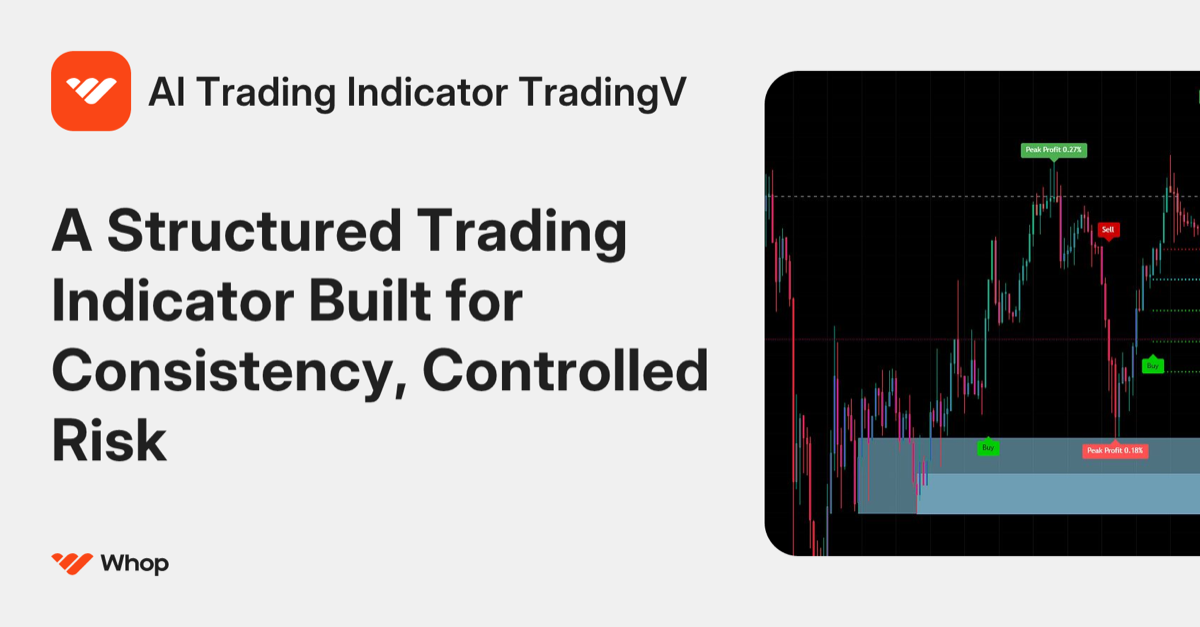
A structured TradingView indicator focused on repeatable setups and controlled risk.
View provider ↗
A collection of TradingView models, toolkits, and statistics products.
View provider ↗
TradingView tools designed around clear, repeatable setups across several strategies.
View provider ↗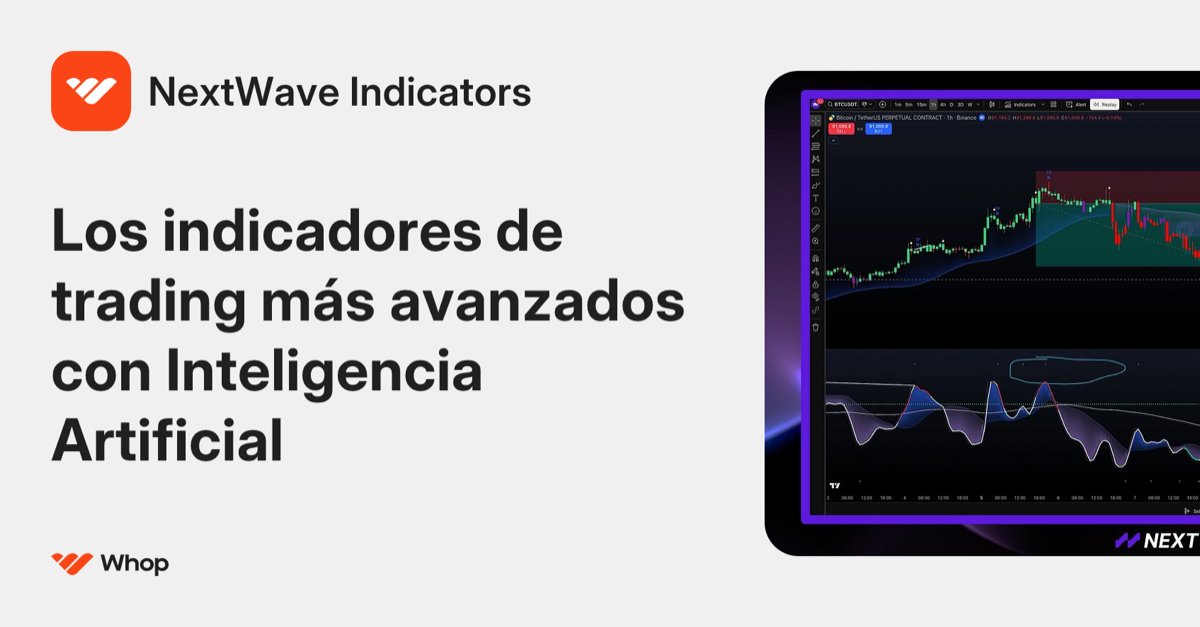
A TradingView suite with AI, oscillator, and WaveTrend indicator tools.
View provider ↗SignalPort keeps every important decision visible and recorded. This is the complete path between your TradingView alert, your saved plan, your connected MT5 account, and the performance record you review.
The private route, raw message, parsed direction, symbol, entry, stop, target, indicator details, timeframe, and price feed are recorded when supplied.
The active plan version, account and signal switches, duplicate protection, schedule, sizing, spread, position limits, open exposure, and daily controls are checked.
An execution intent is recorded before submission. SignalPort captures the provider and broker response, ticket, fills, SL, TP, costs, rejection, or uncertain outcome.
Positions and realized results remain connected to the exact signal and plan version that created them, so later changes do not rewrite earlier evidence.